
With Rentometer’s share report feature, you can email a polished, branded rent report directly from the platform—no downloads, no juggling files. Just clean, professional data delivered in seconds.
What Is the Share Feature?
The share feature allows Rentometer Pro and Essential subscribers to send their Pro Report as a PDF by email—directly from the report's interface.
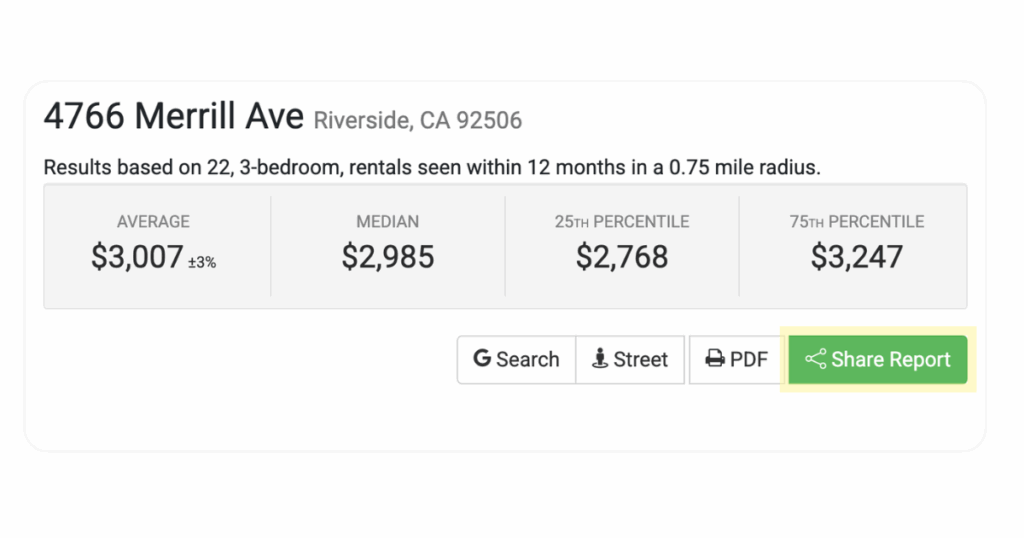
It’s designed to make communication with clients, partners, and prospects seamless and professional. Instead of downloading the report and attaching it to a separate email, you can now send it with a few quick clicks—without ever leaving Rentometer.
How to Use It
Our Pro Report is packed with value, including a deep analysis of rental comps and historic rents in your area. With interactive charts, maps, and detailed property data, it gives you the insights you need to price confidently and stay competitive. If you're in a pinch and want to share a report instantly, here's how:
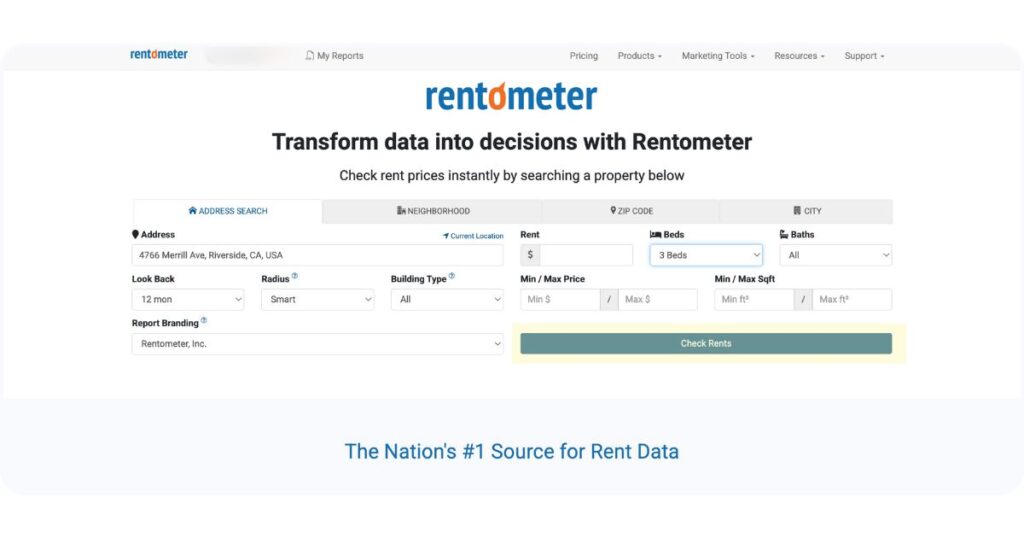
1. Run a Rent Estimate
Enter a property address and click “Check Rents” to generate a QuickView™ report.
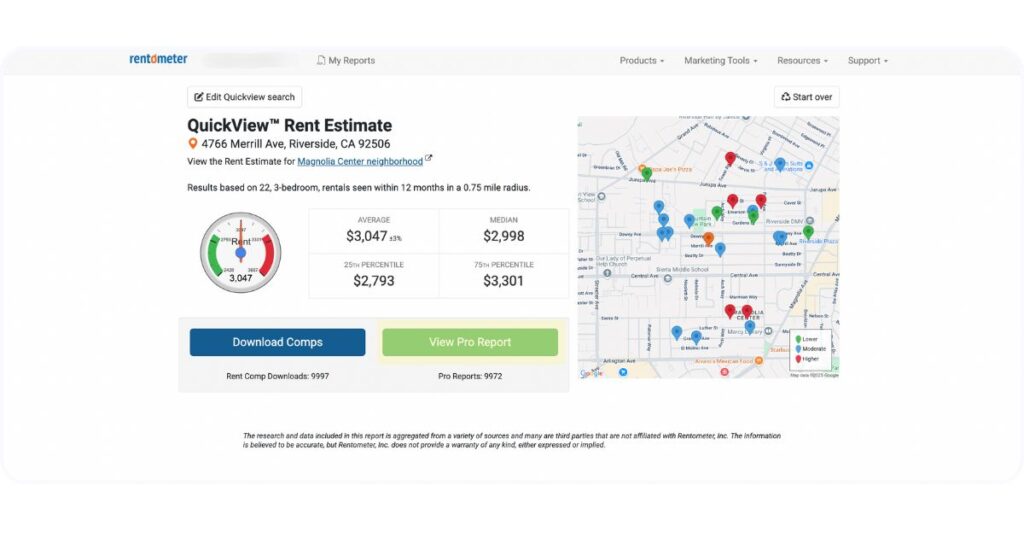
2. Open the Pro Report
Click “View Pro Report” to launch the full report.
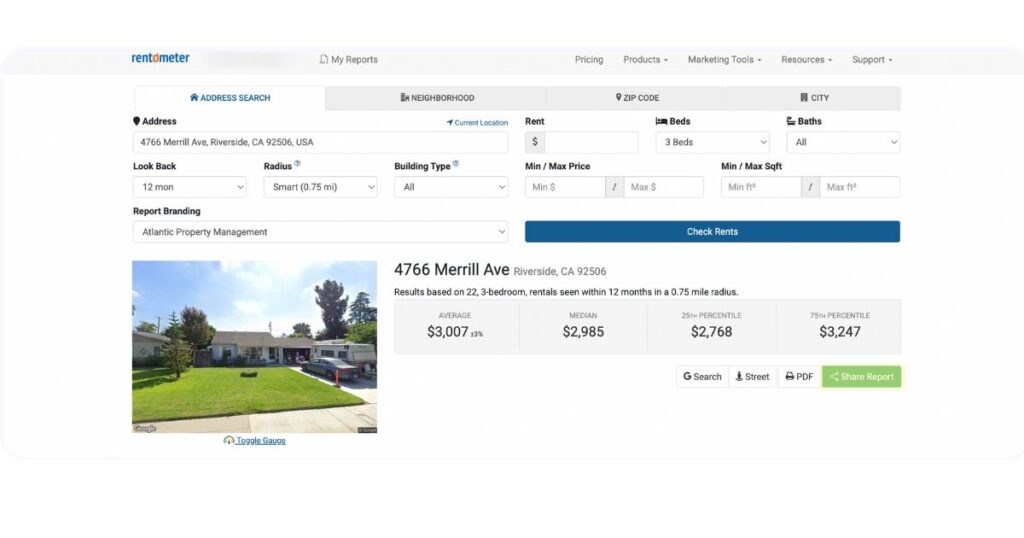
3. Click the Share Button
Look for the ‘share report’ button at the top of your Pro Report.
4. Enter the Recipient’s Email
You can also add your name and a personalized message before sending.
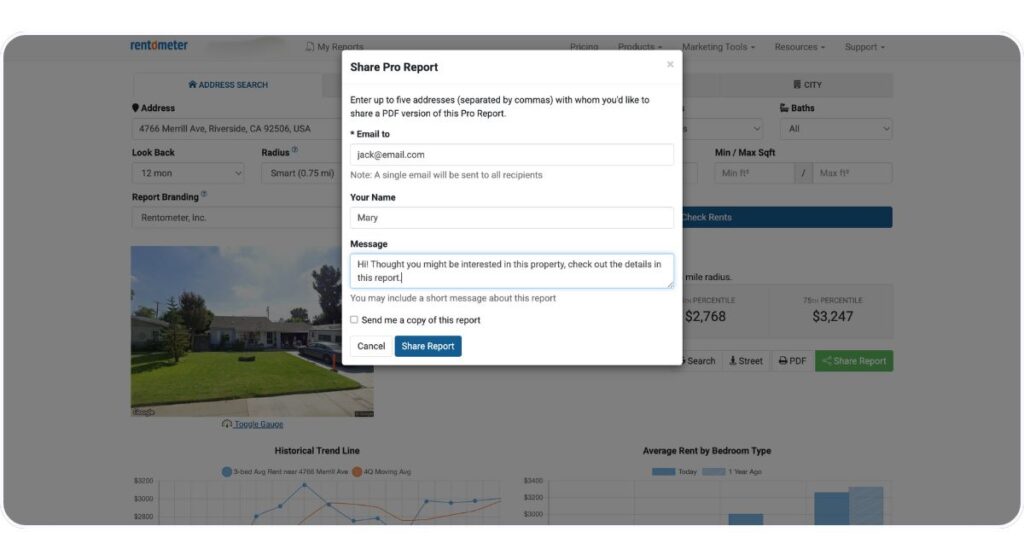
5. Click Send
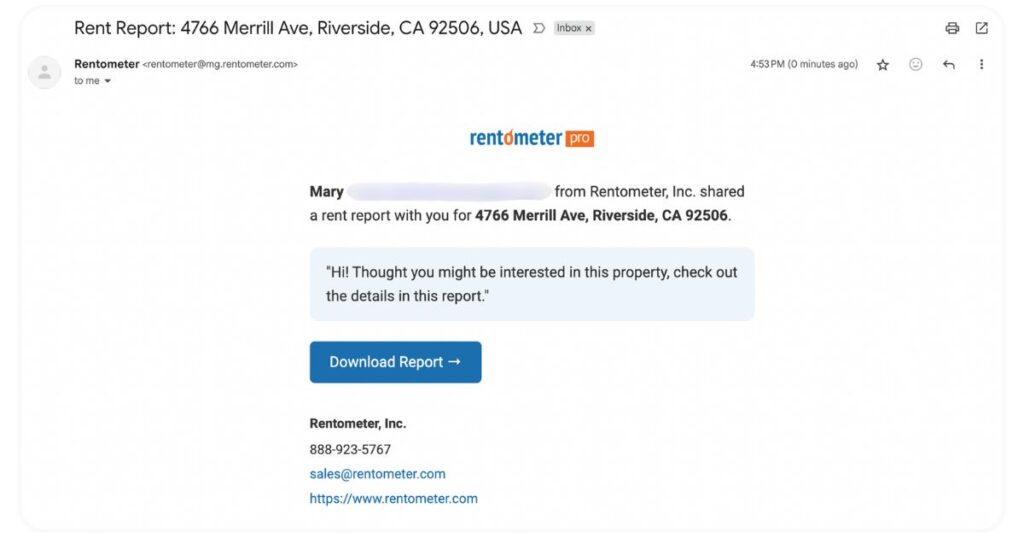
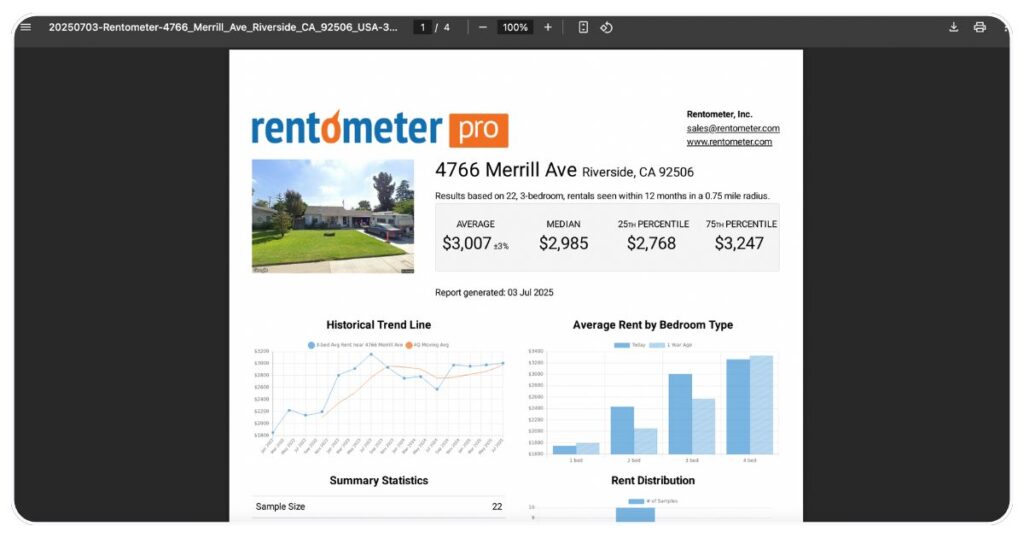
That’s it! The recipient will receive a professionally formatted PDF of your report—no download or attachment needed.
Why This Feature Matters
Here’s why our new share feature is a game-changer:
-
Save Time: No more downloading, attaching, or switching platforms.
-
Look Professional: Send clean, polished, data-packed reports with just a click.
-
Communicate Smarter: Instantly deliver rent comps and insights to your network.
-
Stay Organized: Keep your workflow streamlined, especially when sharing multiple reports.
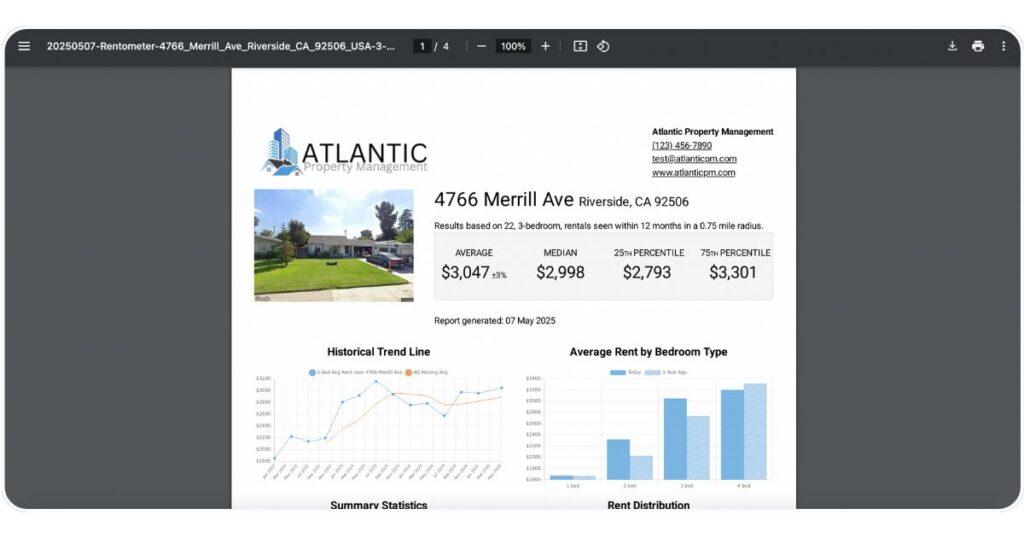
💡 Pro Tip: If you’ve enabled Custom Branding in your Rentometer account, your logo and contact information will automatically appear on the PDF version of your report—even when you share it by email.
How to Use Shared Reports Strategically
If you’ve ever said “I’ll email that to you later,” now you don’t have to wait. From insights to impact, the share Pro Report feature is perfect for:
- Agents and Brokers who want to keep their investor clients informed
- Property Managers who want to back up their pricing strategy with real data
- Real Estate Investors who want to quickly loop in their partners when analyzing deals
Comments
0 comments
Please sign in to leave a comment.